 TheNotesOfSally
Meeting transcription for Teams, Google Meet and Zoom
With the TheNotesOfSally extension for Chrome and Edge, your Microsoft Teams, Google Meet and Zoom meetings are transcribed live, then summarised in meeting notes shared with your team.
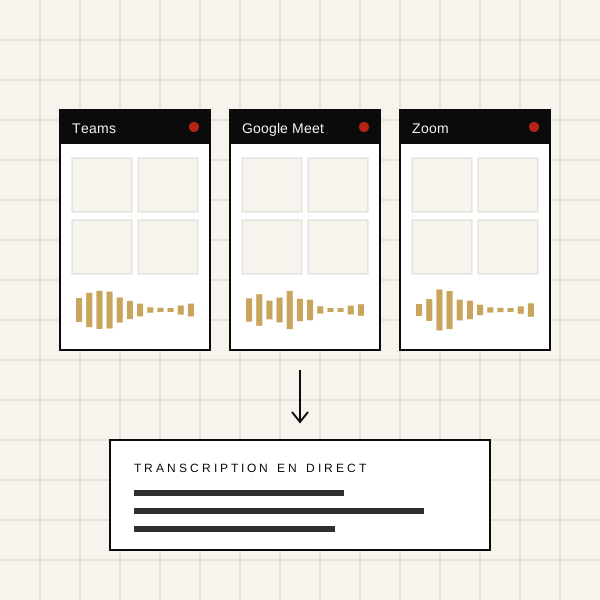
A meeting transcription extension for Chrome and Edge
Install the extension, open your meeting in the browser and start recording. The live transcript appears in a discreet side panel, with no bot joining the call.
A REC indicator stays visible while recording and a message informs participants, so their consent is respected.
Google Meet, Microsoft Teams and Zoom
The extension works on Google Meet, on Teams in the browser and on Zoom Web. Tab audio and your microphone are captured together so nothing in the conversation is lost.
Dedicated Teams and Google Meet apps complement the extension for teams that work in these tools all day.
From live transcript to meeting notes
When the meeting ends, TheNotesOfSally writes the meeting notes: decisions, action items, risks and questions, then sends them to your connected tools.
Meeting Transcription for Teams, Google Meet & Zoom : your questions
Do I need to invite a bot to the meeting?
No. The extension records from your browser; no extra participant appears in the meeting.
Are participants informed?
Yes, the recording indicator is visible and an information message can be posted in the meeting chat.
Is the extension free?
The extension is free; transcription uses the minutes included in your TheNotesOfSally subscription.