 TheNotesOfSally
Send call notes to your CRM and your tools
Every meeting or call ends with notes sent automatically to the right place: a note in your CRM, a Notion page, a Slack message or a task in your project management tool.
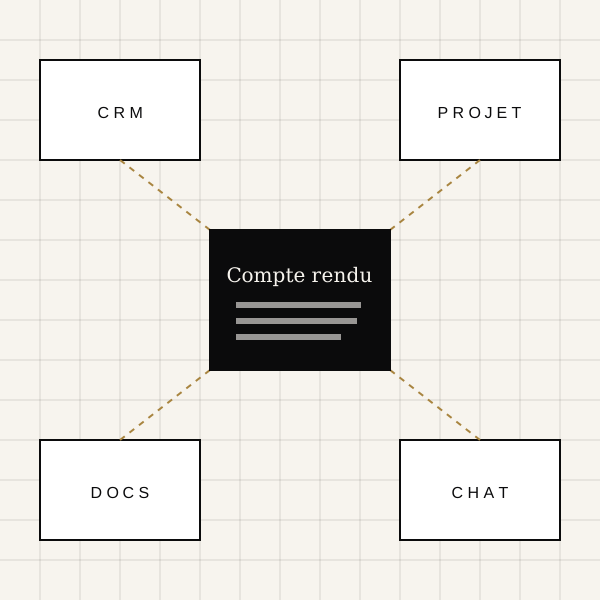
CRM: HubSpot, Salesforce, Pipedrive, Zoho and Odoo
Call notes are attached to the matching contact and deal, with next steps and, depending on the CRM, a dated follow-up task.
Docs and messaging: Notion, Google Drive and Slack
Send the meeting notes to a Notion database, a Google Drive folder or a Slack channel so the whole team stays informed without copy-pasting.
Project management: Jira, Asana, Trello, Linear and monday.com
Action items agreed in the meeting become tickets or cards in your project management tool, with the context of the discussion.
API, signed webhooks and MCP server
For your own systems, a documented API, HMAC-signed webhooks and an MCP server let you retrieve reports automatically.
Meeting Notes to CRM: HubSpot, Notion, Slack : your questions
Do I need technical skills to connect a tool?
No: most connectors plug in with one click using your account, then you pick the destination from a list.
Are my credentials protected?
Yes, access is encrypted and scoped to each workspace, and you can disconnect a tool at any time.